On this page 6 sections
Ways to play on mobile
Three routes to a mobile casino usually come up: a store app, a separate installation file and the browser site. The casino offers the browser site only, and the table sums up what each route means for players in the Netherlands.
| Route | Available |
|---|---|
| App Store for iPhone | No |
| Google Play or APK | No |
| Mobile website | Yes, iOS and Android |
| Home screen icon | Yes, via the browser menu |
| Same account and balance | Yes |
Downloads promoted as a blitzbet casino app on other websites do not come from the operator. There is no reason to install them, because every feature, from the cashier to the live chat, is already part of the mobile website.
Putting the casino on your home screen
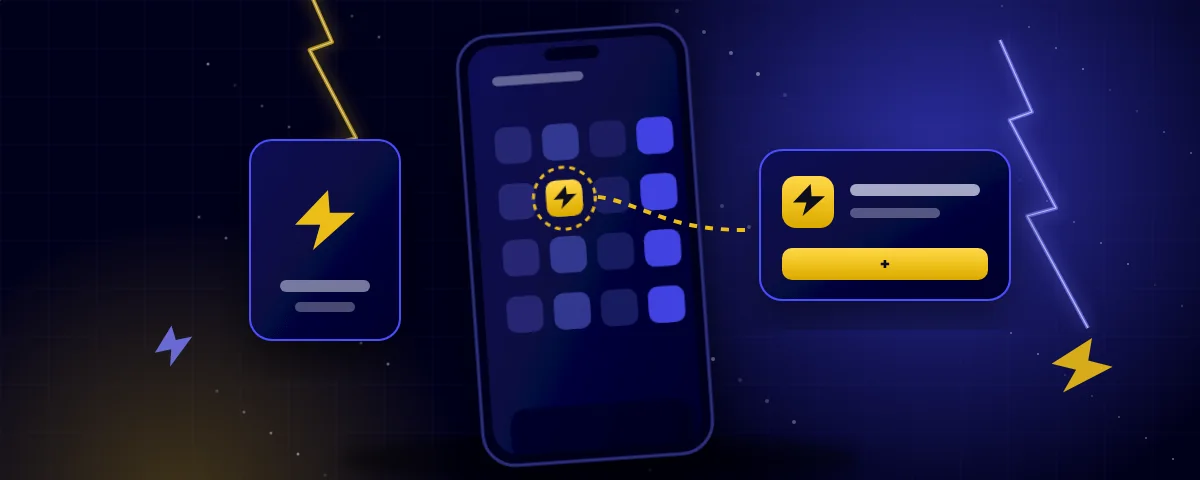
An icon on the home screen behaves like an app: the casino opens in its own window, without the browser address bar. The steps in Safari on iPhone and in Chrome on Android differ a little, yet both take under a minute.
- Visit the casino in Safari on an iPhone or in Chrome on an Android phone and let the home page with the promotions slider and the game rows finish loading.
- On an iPhone, press the Share button in the bottom bar; on Android, tap the three-dot menu in the upper right corner of the Chrome browser window.
- Pick Add to Home Screen from the list; in Chrome the menu can also show the option Install app when the browser detects the web manifest of the site.
- Confirm the suggested name or type a new one and press Add; the new icon is placed on the home screen alongside the other apps on the phone.
- Start the casino from the icon and log in once; because the browser can remember the session, your next visit can open straight in the account.
Such an icon uses no storage and always shows the latest version of the site, so updates never need to be installed. For anyone searching for a blitzbet app, it is the nearest thing the casino offers on both iPhone and Android.

Logging in on your phone
On a phone the same pop-up is used as on a computer: Sign in at the top opens the form with the field Login or Email and the password. The Forgot password? link behaves exactly the same on every device.
- A password manager on the phone can fill in the details after the first login; handy on a personal device, but better avoided on a phone shared with others.
- Logging in works on 4G, 5G and Wi-Fi alike, but live tables need a steady connection, because a dropped signal can end the round that is running.
- The casino sends no push messages, so news about offers reaches you by e-mail and through the messages area in the player profile on the site instead.
- Moving between phone and laptop needs no extra account: the balance, running bonuses and loyalty level stay identical on every device you use.
- On a shared phone, log out through the profile menu after playing, otherwise the browser may keep the session open for the next person who uses it.
When the phone asks for the password on every visit, the browser may be clearing cookies when it closes. Allowing cookies for the casino or opening it through the home screen icon keeps the session alive between visits.
What the mobile site includes
Nothing from the desktop version is left out on mobile. A side menu leads to the lobby, sports, live casino, promotions, tournaments and the loyalty club, while the cashier and the profile are reached from the top bar.
The payment methods shown depend on the country of the account, so the phone displays the same list as the desktop. The welcome package of up to €4,000 and 410 free spins can be claimed on a phone in exactly the same way.
Phone requirements and fixes
Recent iPhones and Android phones run the mobile site without problems as long as the browser is current. In many cases, people who search for a blitzbet casino app only need a browser update, since outdated versions may show the lobby incorrectly.
- Keeping the browser up to date matters most; recent versions of Safari, Chrome, Firefox, Samsung Internet and Edge all display the casino properly.
- Free storage and closing other apps help heavier slots and live dealer streams start faster and run more smoothly on older phones with less memory available.
- A page without pictures or styling usually loads properly again after the browser cache for the site is cleared and the page is refreshed once or twice.
- A strict pop-up setting can block certain games; allowing pop-ups for the casino website in the browser settings fixes this in most mobile browsers.
- Power-saving modes can pause video streams, so for a live dealer table it is better to switch them off and extend the automatic screen lock time.
If nothing helps, the support team can look at the account and device details through live chat. Sending a screenshot of the problem and the browser version makes the cause easier to find.
Common questions
Is there a download in the app stores?
No. The casino has no app in the App Store or Google Play; the mobile website runs in the phone browser.
Can I use my existing account on mobile?
Yes. Login details, balance and bonuses are the same on phone, tablet and computer.
How do I add an icon to the home screen?
Safari: Share → Add to Home Screen. Chrome: three-dot menu → Add to Home Screen or Install app.
Are deposits possible on a phone?
Yes. The cashier in the top bar offers the same payment methods as the desktop version.